
Modern computer science education for every classroom on earth.
Teach Python, AI, robotics, 3D design, and game development in the browser on any device. Free for you and your students.
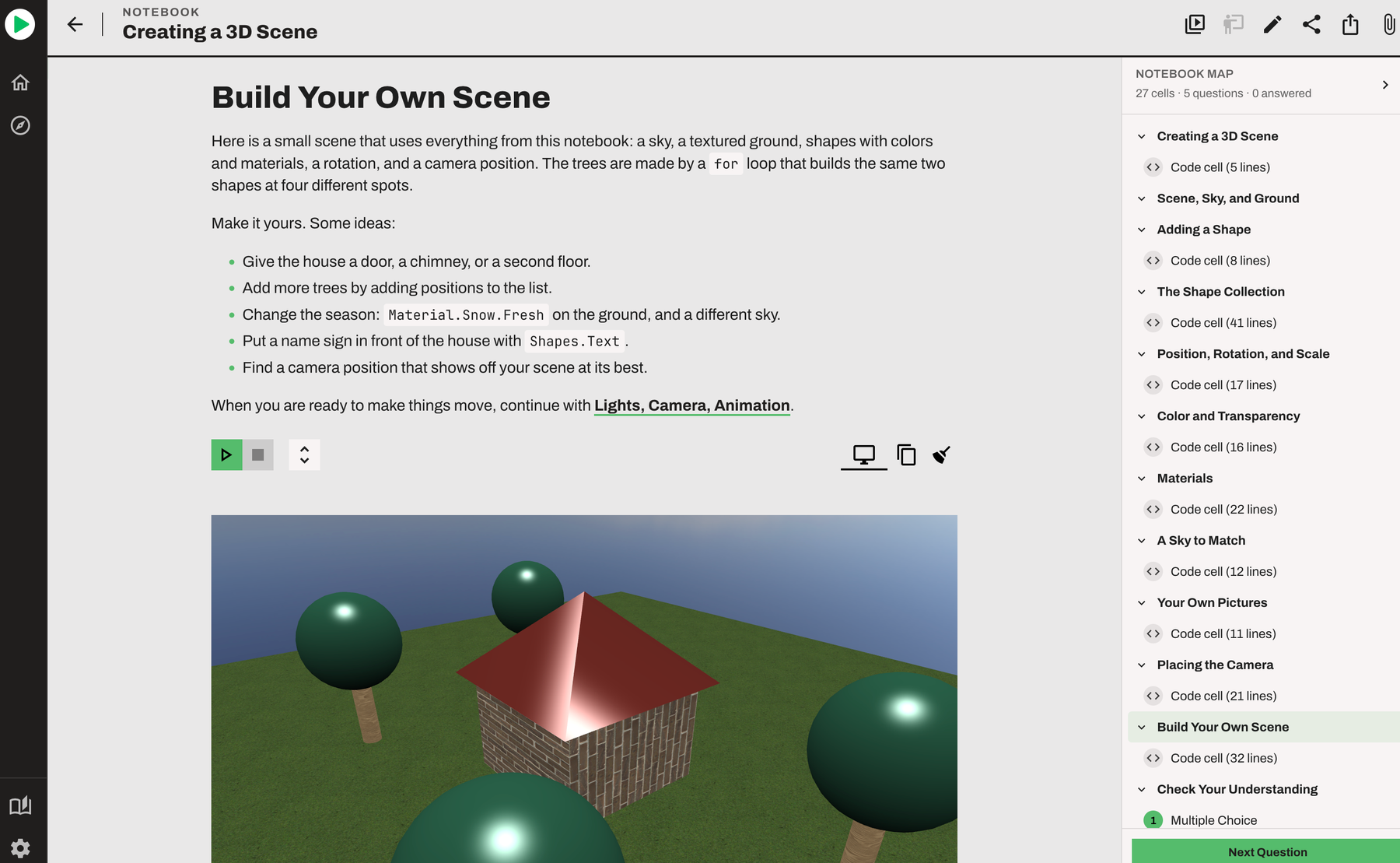
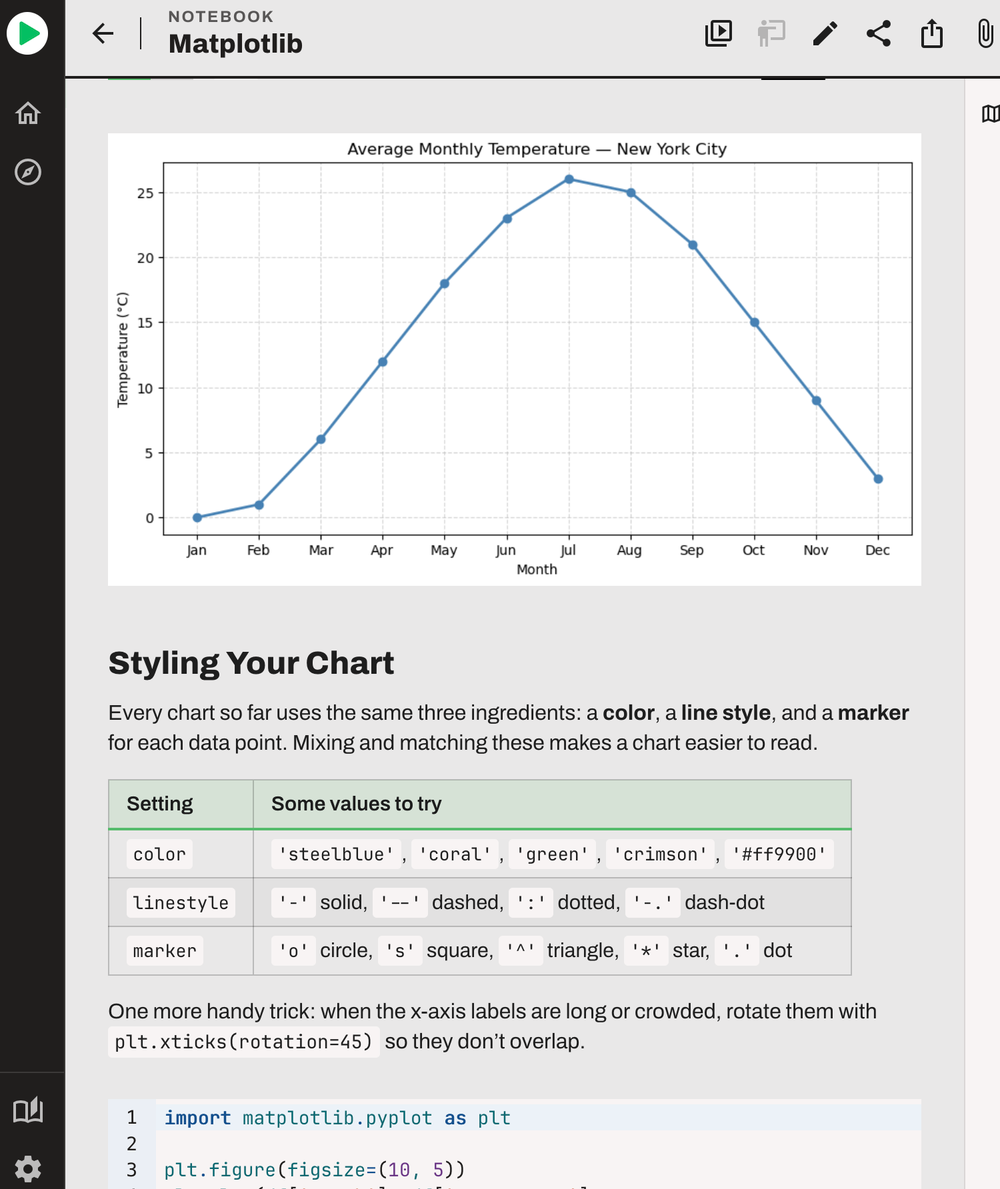
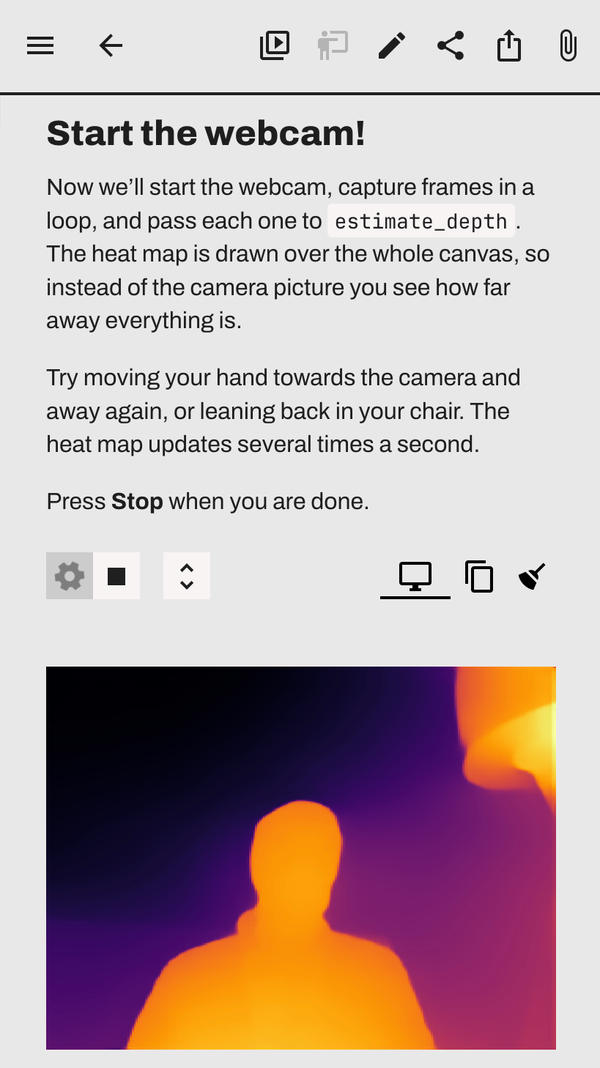
What your students will build.
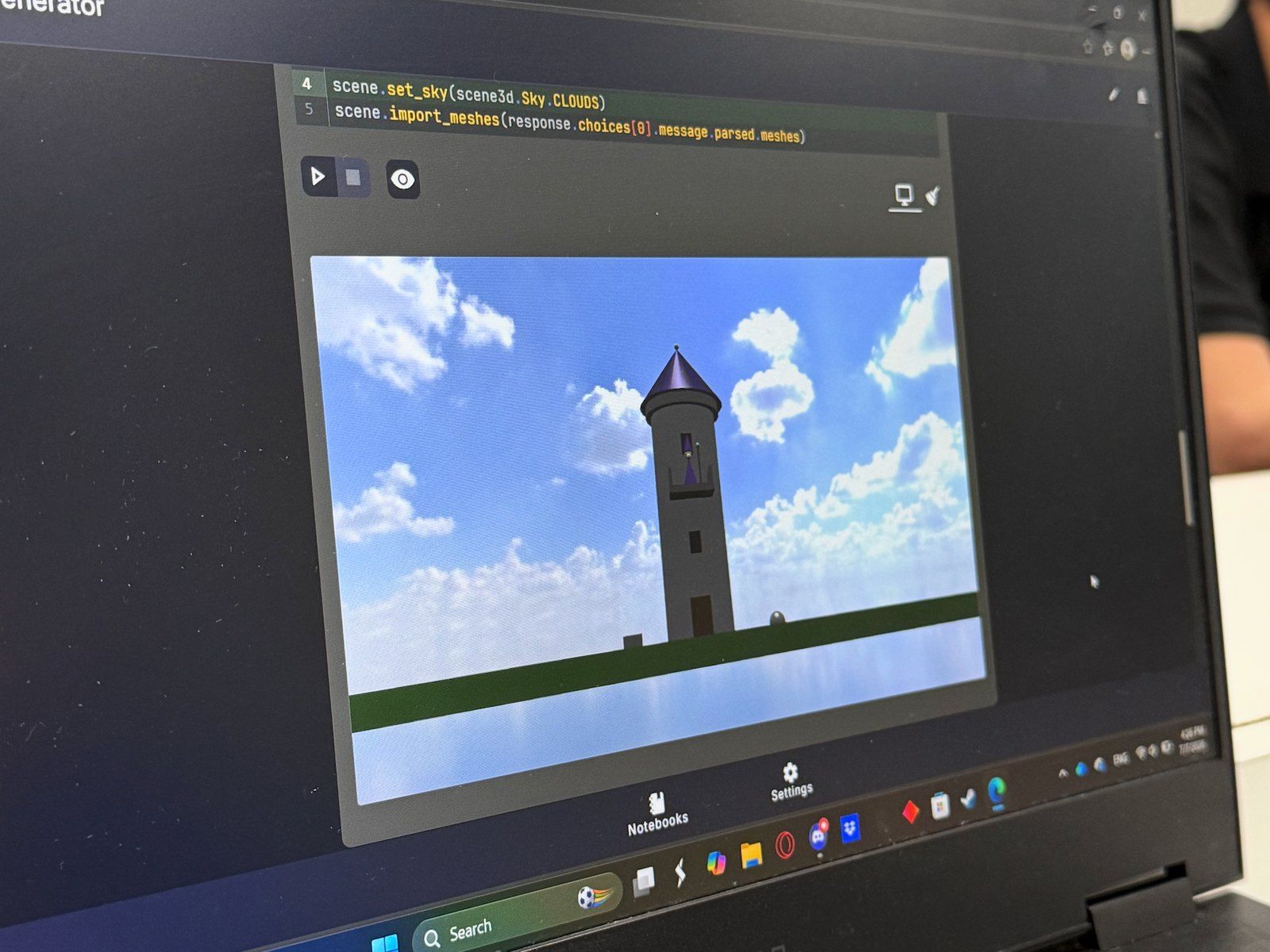
On any device, your students can write Python, train and test AI models, explore computer vision, control robots, design in 3D, and build their own games.
Codetto is designed for high school and university courses, with lessons that go as deep as your students are ready for. They learn by doing, in interactive notebooks that mix explanation, code, and results on one page. Behind every lesson are clear learning objectives, mapped to the computer science standards you need to meet.
- Browse Python and data lessons
Python
From standard Python libraries to data analysis with pandas and NumPy.
- Browse AI lessons
Artificial intelligence
Train, test, and question real AI models from Hugging Face.
- Browse computer vision lessons
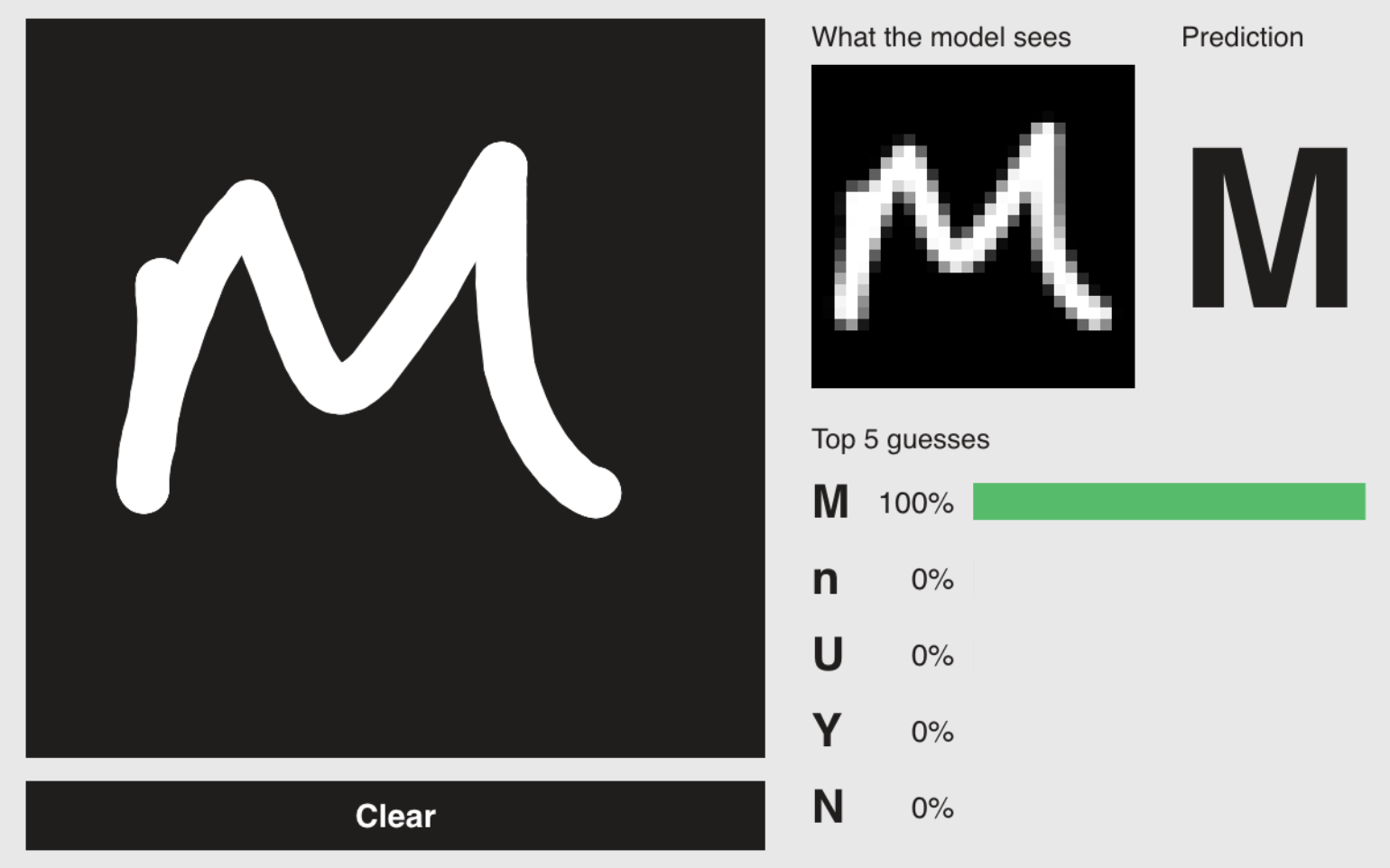
Computer vision
Teach a webcam to see, detect, and track with OpenCV.
- Browse hardware lessons
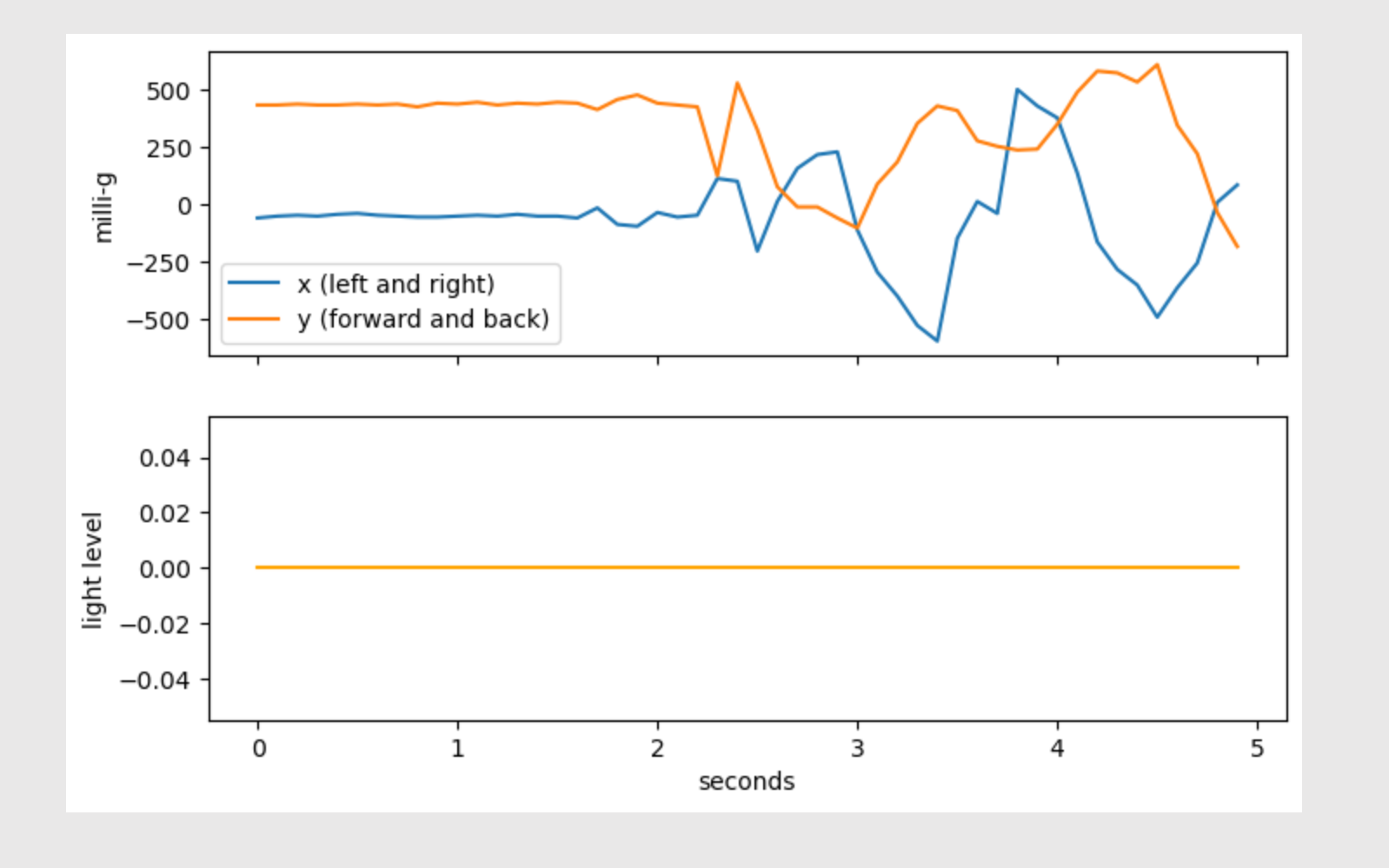
Robotics and hardware
Program micro:bit boards, motion sensors, and game controllers, straight from the browser.
- Browse 3D lessons
3D design
Build 3D scenes, coordinate systems, and physics simulations.
- Browse game lessons
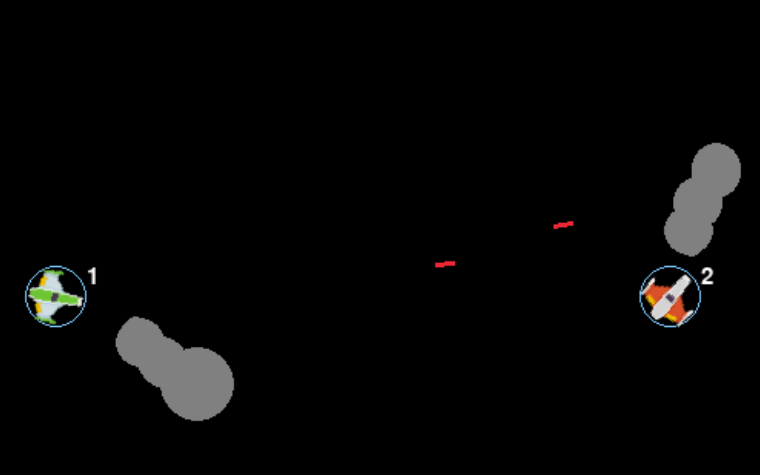
Game development
Design and ship single and multiplayer games using Pygame.
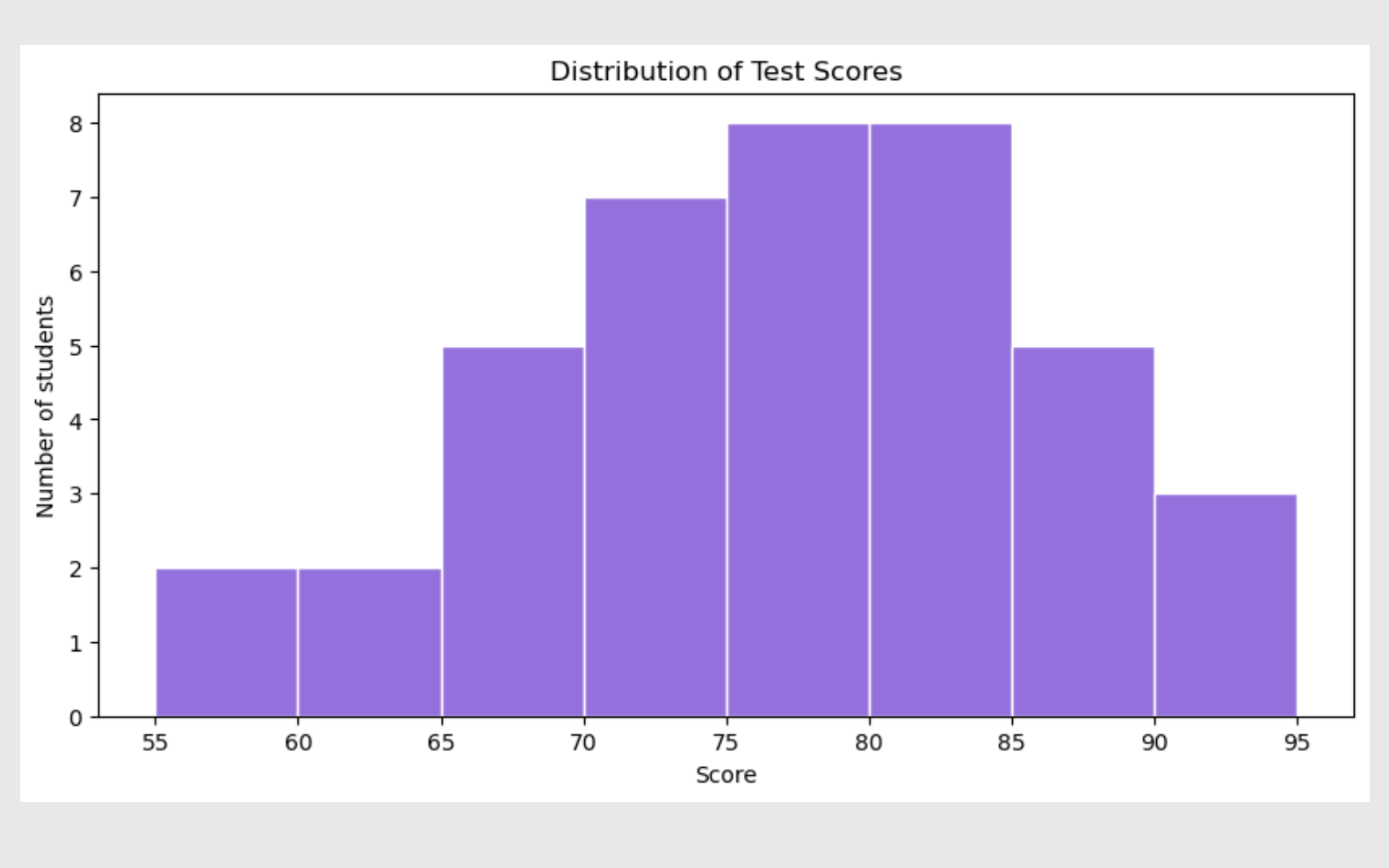


Real tools, real skills.
Codetto notebooks are the same kind professionals and researchers use every day. Students' work opens in Jupyter, Google Colab, and VS Code, so what they learn here goes with them to university and beyond.
You don't need to be a CS expert to teach it.
Maybe you've been asked to teach computer science without a CS background. Or you have one, and AI keeps changing the subject. Either way, you won't be doing it alone.
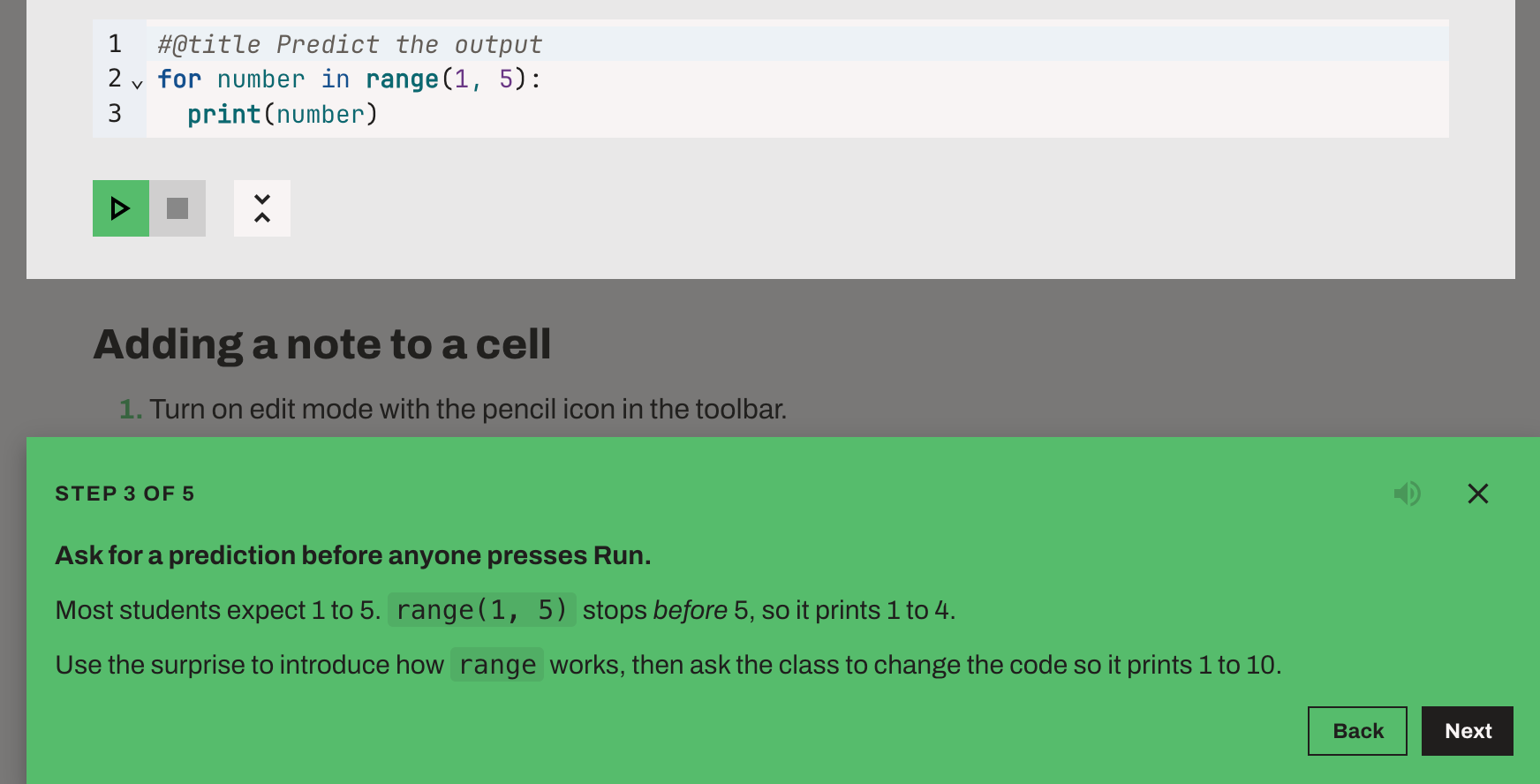
Codetto builds professional development right into the curriculum. Every lesson has an interactive walkthrough for teachers, so you can explore it, and try the technology yourself, at your own pace, before you teach it.
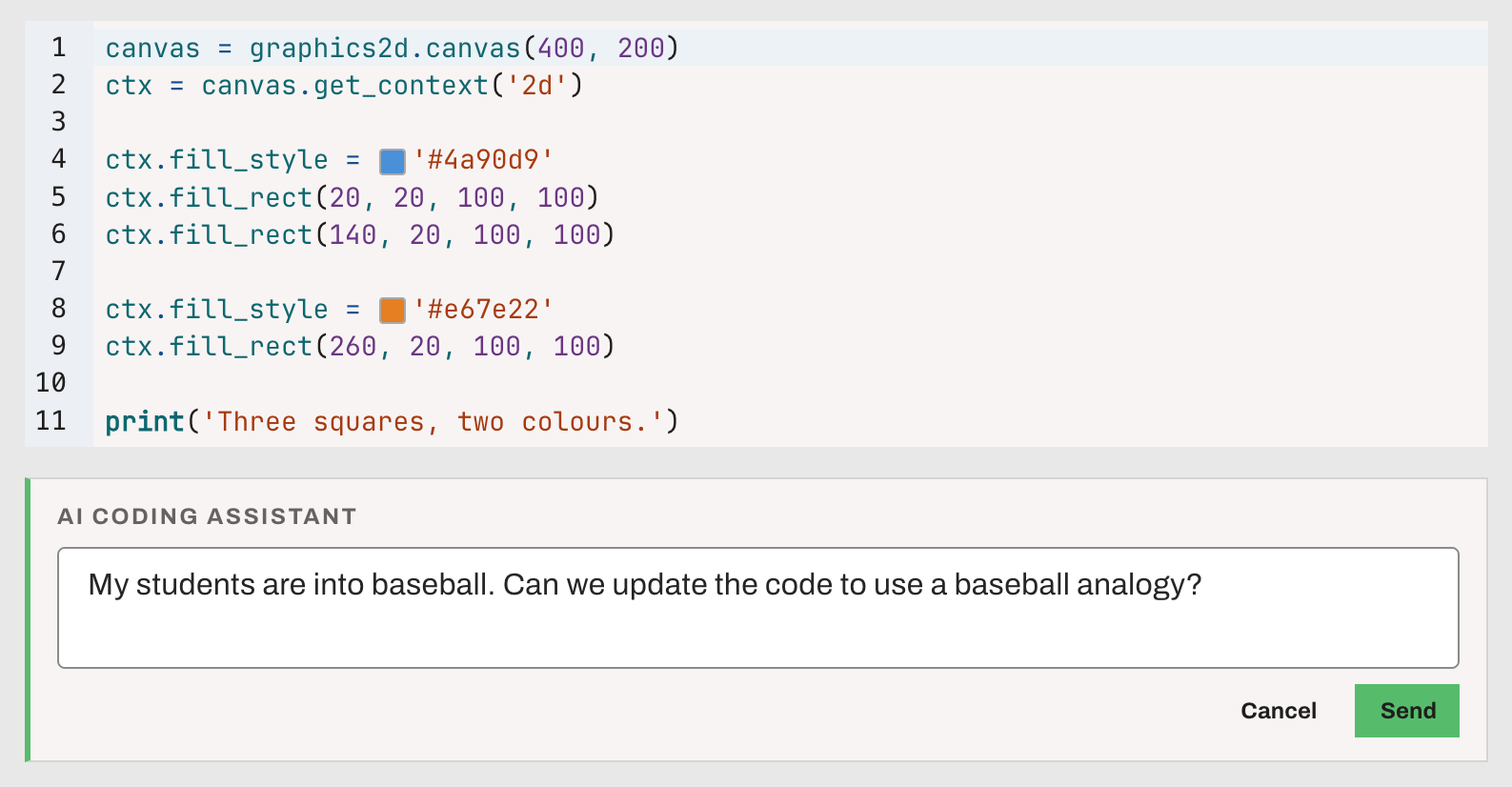
Need a second pair of eyes? An optional AI coding assistant explains code, helps track down bugs, and can adapt an example for your class. It's off by default and works with OpenAI, Anthropic, or OpenRouter, or with AI models on your own computer or school network.
Whether you're a CS specialist or the math teacher who just said yes, you'll walk into class ready.
Built in the classroom, for the classroom.
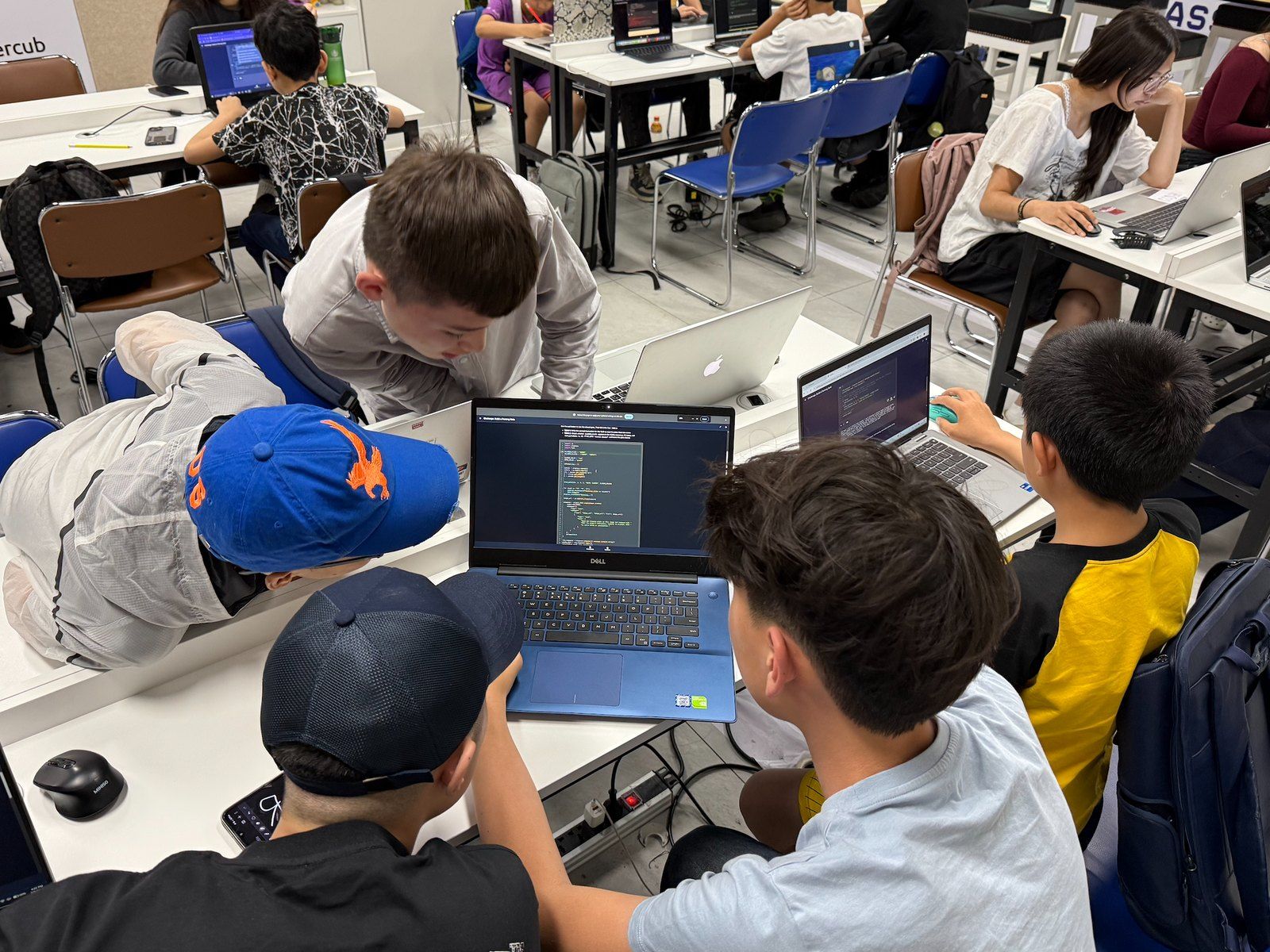
Codetto was created by educators teaching Python, AI, and 3D game development to real students, from undergraduate lecture halls to a summer coding camp in Mongolia.
It was built by the former CTO of Code.org, after years of working to bring computer science to every school. Every part of the platform is designed around what actually works when you're standing in front of a room of students.

Everything runs on the student's device.
Many coding tools run student code on a server somewhere, so they need a connection, an account, and often a subscription, and they keep a copy of everything students write.
Codetto is optimized to run Python code, AI models, 3D engines and more in the browser, on the device the student already has. Here's what that means for your classroom:
Code and student work go to a server. No connection, no lesson.
Code and work stay on the device. The classroom keeps working.
Student work stays with the student.
No accounts, no names or email addresses, and no student code or work stored on our servers, unless someone chooses to share a notebook. What Codetto collects.
No connection needed.
Install Codetto from the browser, and lessons keep working, in a classroom with spotty Wi-Fi, on a bus, or at home with no internet.
No waiting.
Code runs instantly, because there's no round trip to a server.
Free for you and your students.
Unlimited notebooks. No trial period. No credit card. Creating and using notebooks will always be free, worldwide.
Why it can stay free: because Codetto runs on the student's own device, it doesn't need a fleet of servers running student code. That keeps our costs low enough to make that promise and keep it.
Questions teachers ask
Who is Codetto for?
Students ages 14 and up, through secondary school and university, and their teachers. Some classes with students ages 12–13 use it too.
Do students need an account?
No. Students open Codetto in a browser and start coding. There's nothing to sign up for and no email address to collect.
What devices does it work on?
Any device with a modern browser: Chromebooks, Windows and Mac laptops, iPads and Android tablets, and phones. It runs in Chrome or Edge 92+, Firefox 79+, and Safari 15.2+ (including iPhone and iPad on iOS 15.2+). You can also install Codetto as an app straight from your browser, with no app store needed.
Does it really work offline?
Yes. Install Codetto from your browser (no app store needed), and your downloaded notebooks run without a connection, except the few lessons that need to connect to the internet, such as those using hosted AI models.
Does Codetto include AI help?
Yes, an optional AI coding assistant. It's off by default and connects to an AI model the teacher chooses, which the teacher can then share with their class. The options:
- OpenAI or Anthropic: connect an OpenAI or Anthropic (Claude) account. Both can be used with students under 18, with the safeguards each provider requires. A key owned by the school or district is best.
- OpenRouter: one account for many models. OpenRouter is for ages 18 and up, so it suits university and adult classes.
- Local models: connect to a model hosted with LM Studio or Ollama on your own computer or school network. No cloud account needed.
The hosted providers need an internet connection, and usage may cost money depending on the model. Our privacy policy sets out each provider's age rules. Everything else in Codetto works without the assistant.
What happens to student work?
It stays on the student's device. Codetto is designed so a student never loses their work, even when the connection drops.
What data does Codetto collect?
No personal information. There are no accounts, names, or email addresses, and student code and work stay on the student's device.
By default, Codetto sends anonymous usage counts (such as how often a lesson is opened, and for how long) and error reports, so we can fix bugs and improve lessons. They never include names, code, or student work, and they aren't linked to an IP address. (Our servers' standard request logs keep IP addresses for up to 90 days, to deliver the app and prevent abuse.) You can turn them off in Codetto under Settings → Privacy.
Anything else leaves the device only when someone chooses to send it:
- Sharing a notebook uploads a copy, with answers, outputs, and journal notes removed, so others can open the link. Shared links expire after 90 days.
- The AI assistant, if a teacher turns it on, sends the code being worked on to the AI model the teacher chose.
For the full details, read our privacy policy.
Can students use their work outside Codetto?
Yes. Every notebook can be exported as a standard .ipynb file that opens in Jupyter, Google Colab, VS Code, and other professional tools.
Which languages are supported?
Twelve at launch: English, Spanish, French, Portuguese (Brazil), Bahasa Indonesia, Simplified Chinese, Japanese, Hindi, Persian, Arabic, Hebrew, and Mongolian. Persian, Arabic, and Hebrew use a full right-to-left interface. Lessons come pre-translated, and teachers can fine-tune any translation as they edit a notebook.
Is it accessible?
Yes. Codetto is built for screen readers, keyboard, and touch from the start, and our own testing shows it meets WCAG 2.2 Level AA. An independent third-party audit (VPAT) hasn't been completed yet. If your school or district needs accessibility documentation, please get in touch.
Is it really free?
Yes. Creating and using notebooks is free for every teacher and student, worldwide, and always will be.
Ready to try it with your class?
Open Codetto and try a lesson yourself. There's nothing to install and no account to create.
Try a lesson